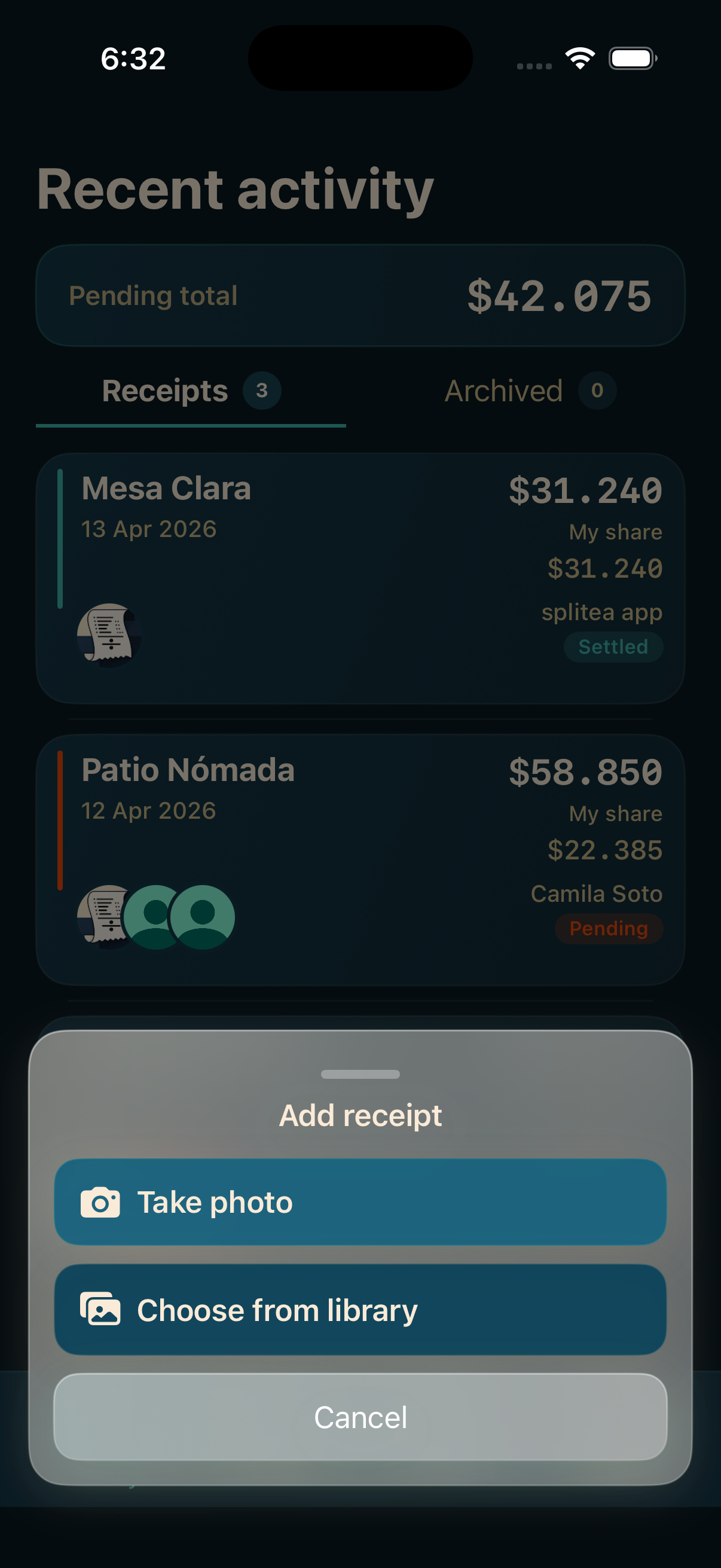
Take the photo or upload an image
You can use a fresh receipt capture or a photo that is already saved in your library.
 Splitea
If the real problem starts with turning a receipt photo into something you can actually divide, Splitea helps from the scan step all the way to each person's balance.

This page targets a different search intent than the restaurant guide: here the focus is avoiding the manual work of reading and rewriting the ticket.
You can use a fresh receipt capture or a photo that is already saved in your library.
Splitea organizes the ticket so assigning products to people is faster and less error-prone.
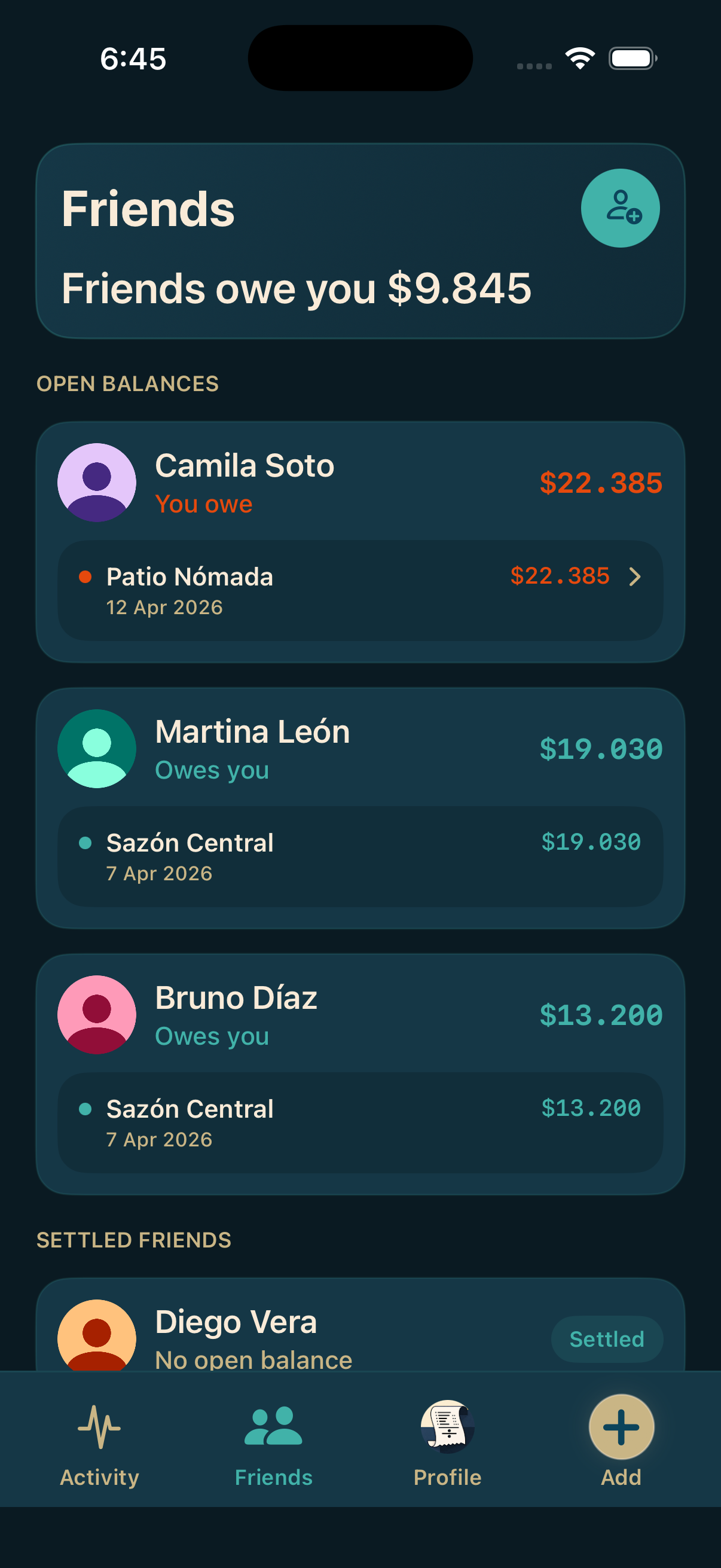
The result does not disappear into a temporary note: the group can see balances, activity, and saved receipts.
These are the improvements that appear when you start from the real receipt instead of from a blank sheet.
You do not need to rebuild the full bill item by item in a calculator or group chat before you can split it.
The receipt stays linked to the group, the people involved, and the activity history instead of being lost after the payment.
From the receipt you move quickly into pending balances, individual summaries, and clarity about who still needs to pay back.
These screenshots show how the receipt becomes part of the full flow, not just the upload moment.
Typical questions when someone is looking for an app that reads the ticket and turns it into a useful split.
Yes. Splitea supports both a fresh camera capture and an image that is already saved in the library.
No. The point is turning that receipt into a flow where you can assign items, review balances, and follow the group's activity.
Yes. The flow ends in balances and per-person summaries, not just in an archived image.
Yes. The app is specifically built for shared receipts with participants and follow-up after the scan.
Splitea is built for real receipts, real groups, and amounts that still need to be paid back.